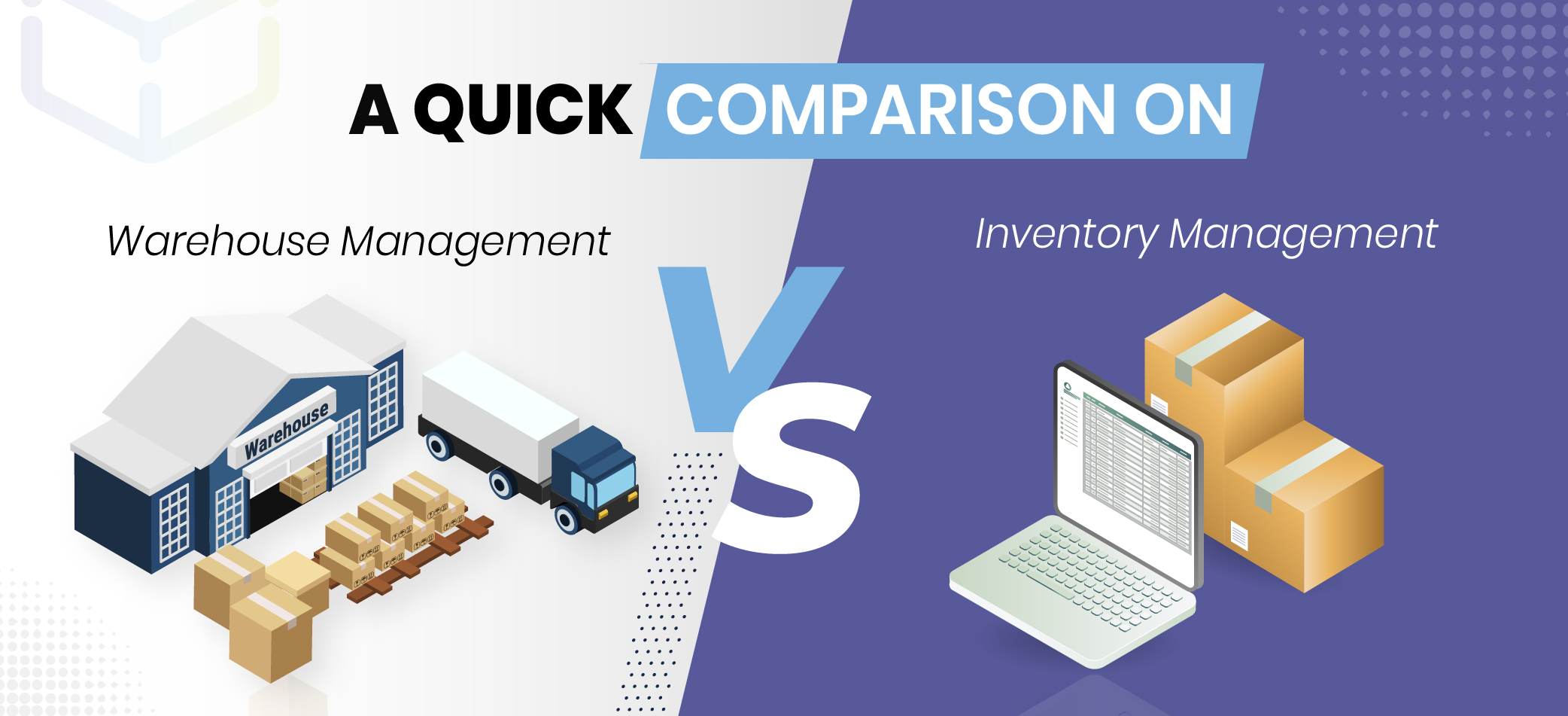
Warehouse management vs inventory management. Most teams blur these two terms. It leads to ownership gaps, tool sprawl, and missed improvements. Often the same confusion arises between warehouse management software and inventory management software. This guide clarifies the scope of each discipline, when to invest in which system, and how to make them work together inside a real warehouse.
In this inventory management and warehouse management comparison, you will get definitions, side-by-side differences, practical use cases, KPI checklists, integration patterns, and an implementation path that fits busy operations.
Table of Contents
What Is Inventory Management?
Inventory management is the discipline that keeps supply aligned with demand at the lowest total cost. It decides how much to buy or make, when to replenish, and where to allocate stock across sites and channels.
Managers ground decisions in seasonality, historical sales, lead times, and service targets, then set reorder points, safety stock, and counting policies. The outcome is simple: right item, right quantity, right place, right time, without tying up excess cash.
Key Functionalities
Inventory control does not live in a spreadsheet. It happens in four connected moments on the floor. If one slips, the rest wobble. Stockouts, rush fees, and write-offs arrive right on cue.
Inbound
Purchase & receipt readiness: Make purchase orders boringly clear. Specify units, pack sizes, label expectations, and any handling notes vendors cannot miss. When trucks back in, scan the ASN, check counts and condition, and decide where each pallet goes. QC, hold, cross-dock, or put-away. Do this before shrink wrap comes off. It saves two extra touches later.
Put-away with intent: Shelves are not all equal. Send product to storage that fits its movement and shape. Record lot, serial, and expiry on the handling unit, not only the SKU, so the next person in the chain does not have to guess.
Storage & Monitoring
Status and location control: Keep statuses honest and simple. Available, hold, QC, returns, consigned. Use location codes that do not drift. Track to bin or slot. “Somewhere in Aisle 8” is where time and accuracy go to die.
Health checks & visibility: Count small and often. Reprint labels that scuff off. Sweep for expiries before they become a write-down. Dashboards should call out negatives, odd balances, and slow movers so someone acts today, not after month-end.
Outbound
Allocation with priorities: Set simple rules that everyone understands. Use channel priority, FEFO or FIFO where needed, and customer commitments to drive reservations. Let the system control allocations. Shared spreadsheets invite overlap and double booking.
Issue, pick, and ship: Match your pick method to the orders you actually receive. Batch for many single-line orders. Keep complex orders discrete. Use zones for broad assortments. Confirm by scan, seal cartons with an ID, and post the shipment while the truck is still at the dock.
Control
Count & reconcile: Do not wait for a year end shutdown. Run cycle counts all year using ABC. Count A items most often, B on a routine cadence, and C less frequently. Add checks after large receipts, stockouts, or moves. Compare the system to the shelf and investigate differences the same day while details are still fresh. Fix the cause, not just the count: bad labels, unit mismatches, missed scans, mixed bins, or theft. Update the workflow so the issue does not return.
Valuation & planning feedback: Close periods on real costs, including write-downs for damage, expiry, or obsolete stock, even when it hurts. Feed actual supplier lead times and true demand into reorder points and safety stock so the numbers reflect reality. Let policy follow facts. Review assumptions often and reset targets when the data changes.
Benefits of Effective Inventory Management
Strong inventory practice cuts chaos and adds steady rhythm to daily work. The result is fewer surprises, fewer quick fixes, and more orders shipped right.
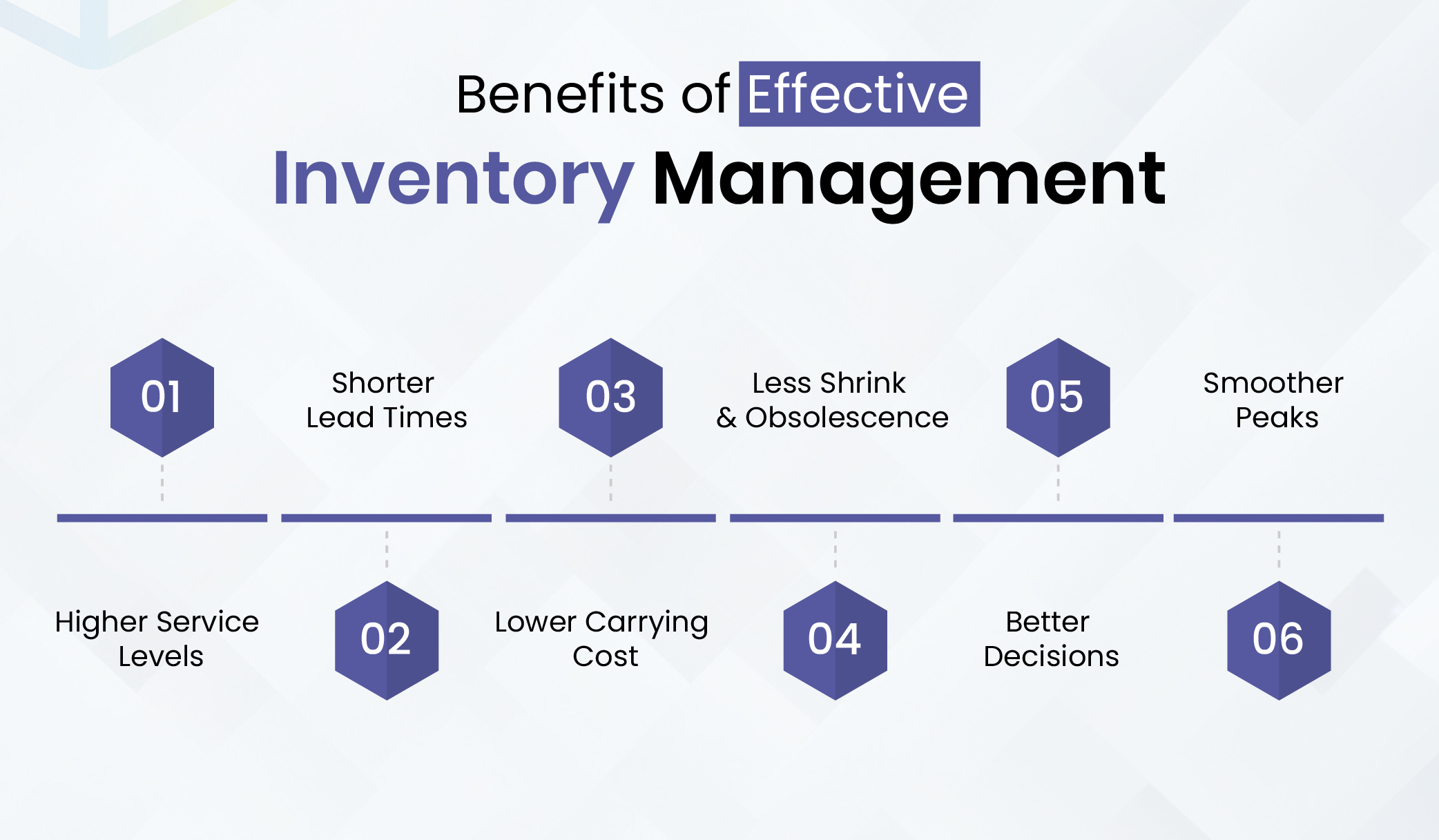
- Service that holds under pressure: Availability is honest and allocation follows clear rules. Fill rate improves without padding every SKU just to feel safe.
- Shorter lead times: Clean receiving and clear statuses remove stop and start moments. Orders move from pick to pack to dock without detours.
- Less money tied up: Buffers match real demand and lead time. Average on-hand drops, freeing cash, floor space, and insurance.
- Losses prevented early: Traceability and controlled access reduce shrink. FEFO and slow-mover reviews create time to transfer, bundle, or retire stock before it goes stale.
- Decisions you can stand behind: Frequent counts and clean masters make the system trustworthy. Planning, finance, and the floor work from the same facts.
- Peaks you can live with: Rules live in the workflow and devices guide each step. Seasonal spikes run on the same rails and new hires get productive quickly.
Core Principles of Inventory Management
Here’re the main inventory management principles that improve availability and cost control if employed as day-to-day habits.
- Forecast with context: History, season swings, promotions, and supplier behavior. Review monthly so one odd spike does not set rules for a full year.
- Segment on impact: A items get attention and more frequent counts. C items get simpler control so admin work does not eat the day.
- Reorder points that reflect reality: Use true lead times and forecast error. Adjust buffers when vendors slip or demand patterns shift.
- FEFO where it matters, FIFO where it does not: Put the rule in the system so the picker is not deciding at the bin.
- Cycle counting as detective work: Small counts expose unscanned moves, wrong labels, and unit mismatches. Close those loops.
- Master data that will not bite later: Units, dimensions, case packs, handling classes. If these are wrong, slotting and replenishment will punish you.
- Costing that matches how you run: FIFO, standard, moving average. Pick for good reasons and reconcile quickly so finance trusts the dashboard.
- Clear ownership: One name per site and per item class. A short weekly review with visible KPIs. Progress that sticks because someone is responsible.
Get an in-depth consultation on how right WMS implementation helps cut travel, lift pick accuracy, and stabilize carrier cut-offs in your business operations.
Book ConsultationWhat Is Warehouse Management?
Warehouse management is the day to day control of people, space, inventory, equipment, and data inside the four walls. It covers every step from receipt at the dock to a sealed load on a carrier. The aim is steady flow. Clear rules tell staff where items live, how they move, and when checks happen. Scans confirm each handoff. Supervisors see the same facts the floor sees, so plans turn into predictable work.
When the basics are sound, operations feel lighter. Touches drop, travel shrinks, counts stay clean, dispatch is on time, and labour stays predictable. That protects margin and creates room for real growth.
Key Functionalities in Warehouse Management
Warehouse management is more than storing pallets. It’s how a purchase order becomes a shipment without drama, even when volume spikes.
- Labor planning: Match people and skills to live demand and carrier cutoffs. Publish simple, device friendly task queues by zone and shift. Flag peaks early, rebalance before bottlenecks form, and track actuals versus plan so tomorrow’s schedule gets smarter.
- Slotting logic: Keep fast movers near packing. Separate forward pick from reserve. Respect size, weight, and compatibility so picks stay short, safe, and repeatable.
- Replenishment rules: Pull from reserve using min max, demand, or wave timing. Replenish before pickers wait to avoid last minute pallet breaks.
- Carrier dispatch: Sequence loading to the route plan and dock capacity. Hit tender windows and print clean, compliant labels and documents.
- Exception handling: Send shorts, damages, and mislabels to visible queues. Close issues within hours so they do not grow into returns or late shipments.
- Returns and recovery: Isolate returns, inspect quickly, and route to resale, rework, or scrap. Protect good stock and limit write offs.
- Cross dock and flow through: When demand is predictable, send inbound straight to outbound. Skip storage to cut touches and cycle time.
- Device and data orchestration: Keep scanners, printers, scales, and carts online and synced. Watch device health and swap quickly when something fails.
Benefits of Good Warehouse Management
Strong warehouse operations lifts service quality, lowers cost, and reduces risk. It helps turn daily work into repeatable outcomes. Accurate steps in warehouse management create reliable data and steady flow that drive cumulative gains.
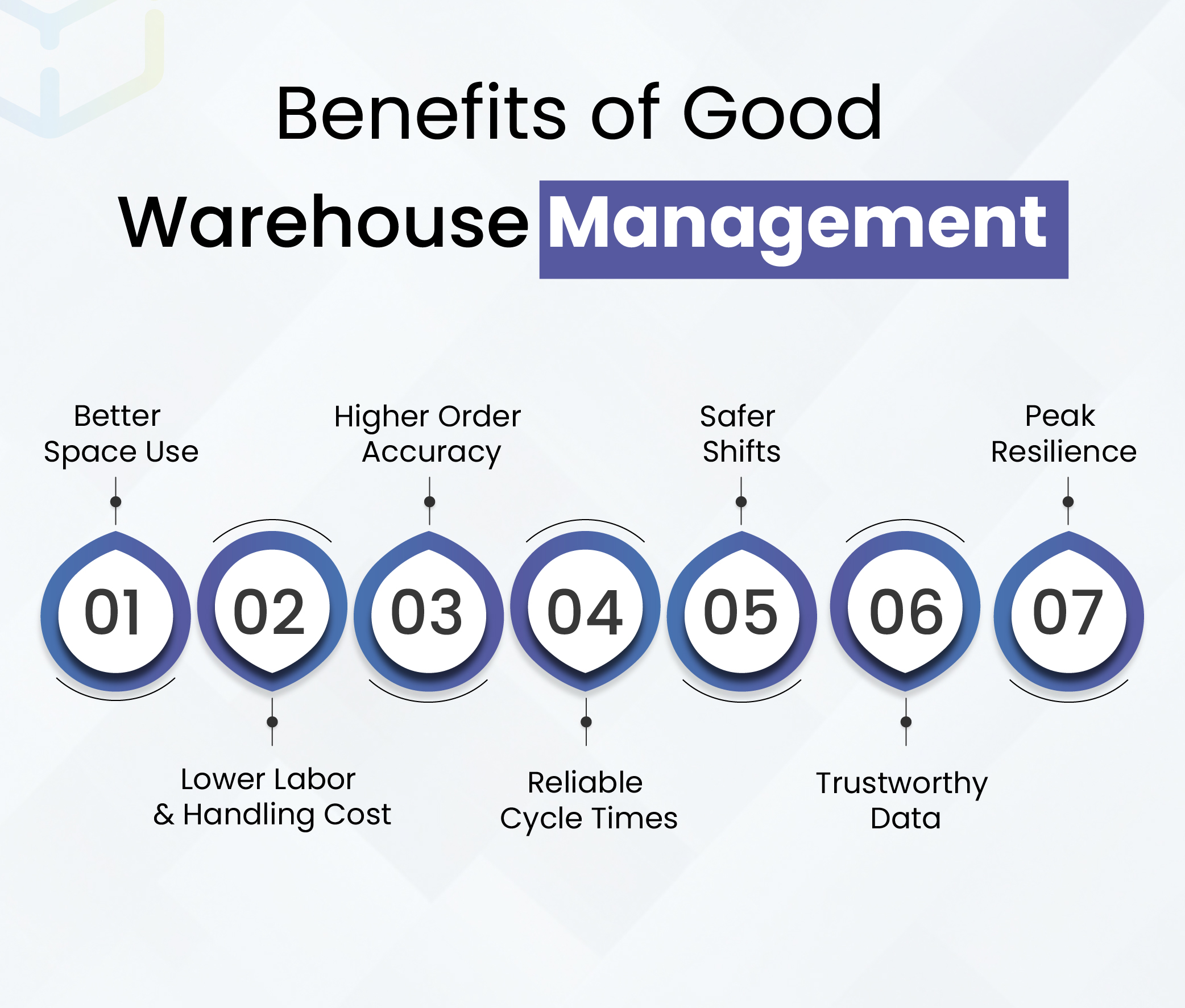
- Better space use: Cleaner layout and disciplined slotting increase usable capacity. Expansion waits. Travel shrinks. You gain room by organizing, not by renting more space.
- Lower labor and handling cost: Directed tasks and fit for purpose pick methods cut minutes per shipped line. Overtime and temp spend fall while service stays strong.
- Higher order accuracy: Scan checks and disciplined packing reduce errors and claims. Fewer reships protect margin and keep customers confident.
- Reliable cycle times: Short travel, timely replenishment, and structured staging keep carriers on schedule. Expediting becomes rare.
- Safer shifts: Ergonomic reach, marked lanes, and maintained equipment lower incidents. Stable staffing keeps throughput steady.
- Trustworthy data: Real time confirmations create a record planning and finance can use with confidence. Decisions become faster and clearer.
- Peak resilience: With rules in the system and tasks on devices, seasonal spikes run on the same rails. New hires become productive quickly because the workflow guides each step.
Core Concepts & Principles
Core warehouse operations levers make the warehouse predictable. They shape flow, motion, and data integrity. Write the rules, run tasks on devices, and review a short scorecard each week so gains stick.
- Storage layout and space use: Design one way flow from receiving to shipping. Keep aisles clear and bay widths correct. Use vertical cube. Place A velocity items near pack and push bulk upstream.
- Bin level inventory control: Track exact locations, lots, serials, and statuses. Enforce scans on every move so the system matches the floor and counts stay stable.
- Picking, packing, shipping: Match method to order mix. Discrete for multi line orders, batch for many singles, zone for wide assortments. Confirm into cartons, verify weight, and stage by route.
- Material handling and automation: Apply pallet jacks, conveyors, pick to light, AMRs, or AS RS where volume and density justify the spend. Automation multiplies good process. It will not fix bad data or layout.
- Accuracy and verification: Make scan to confirm mandatory for receipts, moves, counts, and picks. Validate labels and packaging early so mistakes do not reach the dock.
- SOPs and data visibility: Document receiving, put away, counting, picking, packing, and loading. Keep UoM, dimensions, handling classes, and location codes clean so operators always see the right task.
- Labor safety and ergonomics: Stage heavy SKUs between mid thigh and chest height. Mark walkways and charging zones. Train equipment use and check PPE. Safe posture sustains pace through the shift.
- Continuous improvement with KPIs: Review a short weekly scorecard. Dock to stock, pick accuracy, lines per hour, order cycle time, and OTIF. Test one change, measure impact, and add the win to SOPs.
Evaluate waves, replenishment timing, and exception queues for fewer re-touches.
Talk to a SpecialistInventory Management vs Warehouse Management – Differences & Overlap
Inventory management defines what to hold and where across the network. Warehouse management defines how work happens inside the building. Clear boundaries prevent duplicate tools and finger-pointing.
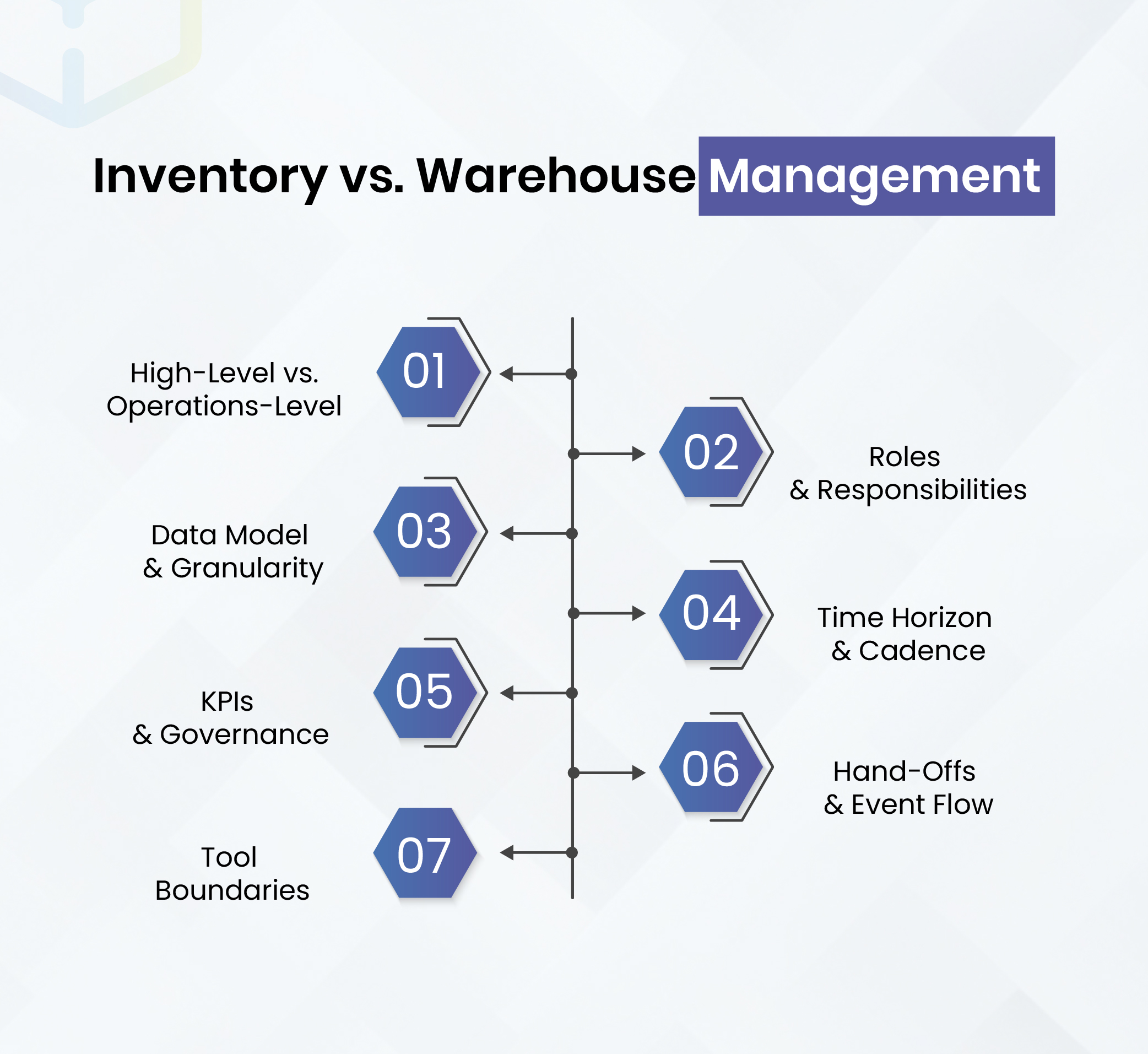
High-Level vs. Operations-Level
Inventory management sets policy for service levels, reorder points, and placement by site. Warehouse management executes physical tasks: locations, pick paths, pack flow, staging, and dock timing. Strategy upstream, execution downstream, with constant feedback both ways.
Roles & Responsibilities
Use a side-by-side view to assign ownership. Planning, costing, and replenishment sit with inventory management. Slotting, picking, packing, loading, and labor allocation sit with warehouse management. Clear swim lanes simplify metrics and escalate issues fast.
Data Model & Granularity
Inventory management works at network level. It cares about site, channel, and availability status. Warehouse management works at bin level. It cares about exact location, lot or serial, and handling unit. Align both to stop record drift.
What this changes in practice:
Transactions: Inventory adjusts at site or virtual locations. Warehouse confirms moves, picks, and packs at physical bins.
Traceability: Inventory tracks lot or serial across sites. Warehouse binds lot or serial to a bin and a carton or pallet.
Visibility: Inventory shows available to sell. Warehouse shows available to pick and where it sits.
Time Horizon & Cadence
Inventory cycles monthly or weekly for policy updates. Warehouse cycles hourly and by shift. Tie planning reviews to period close, but run warehouse huddles daily so exceptions never age.
Cadence you can adopt:
Daily: exceptions, shorts, damages, returns.
Weekly: dock-to-stock, pick accuracy, lines per hour.
Monthly: safety stock, reorder points, ABC reclass.
KPIs & Governance
Inventory KPIs focus on service and capital. Warehouse KPIs focus on speed and accuracy. Publish both on one page so trade-offs are explicit.
Inventory: fill rate, turns, stockouts, carrying cost, ageing.
Warehouse: dock-to-stock, pick accuracy, order cycle time, OTIF, space use.
Hand-Offs & Event Flow
Hand-offs convert plan to action. Each event must post quickly and cleanly, or the record drifts and orders miss cut-offs.
- Receipt posted: item, qty, lot or serial, condition, location.
- Put-away confirmed: source, destination, time.
- Replenishment confirmed: reserve to forward pick.
- Pick confirmed: item, qty, location, picker.
- Pack confirmed: carton ID, weight, contents.
- Shipment confirmed: carrier, tracking, timestamp.
Tool Boundaries (keep them clean)
IMS governs availability and rules. WMS governs tasks and locations. ERP remains the commercial and financial record. Mobile scanning makes every event trustworthy. If a decision changes a bin, it belongs to WMS.
- Faster, reliable fulfillment: Shorter travel, timely replenishment, and smart staging keep carriers on schedule. Predictable cycle times improve planning and reduce expedite fees.
- Safer operations: Ergonomics, clear aisles, and equipment checks reduce incidents. Fewer injuries mean consistent staffing, steadier throughput, and less disruption.
- Cleaner system data: Real-time confirmations make inventory truth reliable. Planning, finance, and customer service stop second-guessing numbers and start using them to improve.
- Scalable peaks: With rules embedded in tasks and devices, seasonal volume rides the same rails. New hires become productive fast because the system guides the work.
Key Differences | ||
Dimension | Inventory Management | Warehouse Management |
| Purpose | What to hold, where, when | How work happens in facility |
| Scope | Network, multi-site | Single site, four walls |
| Data depth | Site, status, channel | Bin, slot, lot, serial |
| Core work | Forecast, ROP, safety stock | Put-away, slotting, picking, packing |
| Ownership | Planning, procurement, finance | Operations, IE, safety |
| KPIs | Fill rate, turns, carrying cost | Dock-to-stock, accuracy, cycle time |
| Decisions | Model and policy | Queue and constraint |
| Risks | Stockouts, obsolescence | Injuries, claims, late tenders |
| Systems | IMS (often in ERP) | WMS (standalone or ERP module) |
Overlap & Similarities Between Inventory Management & Warehouse Management
Both move goods from supplier to customer. Both rely on barcodes or RFID and real-time confirmations. Both require clean master data and shared statuses. Integration is where performance compounds.
Where Inventory Management & Warehouse Management Overlap | ||
Shared area | What it means | Why it matters |
| Barcoding/RFID | One scan language | Fewer errors, faster posting |
| Status model | Common statuses | Allocation matches reality |
| Master data | Clean UoM, packs, dims | Slotting and freight stay correct |
| Events | Fast confirmations | Real-time availability |
| Traceability | Lot/serial continuity | Recalls without shutdowns |
| Exceptions | Visible queues | Fix today, not month-end |
Why the Confusion Persists
Inventory handling lives inside the warehouse, so the terms blur in daily speech. Some teams even say “inventory” for inbound and “warehouse” for outbound. Formal definitions and system ownership remove ambiguity.
Common Symptoms for Confusion | ||
Symptom | Likely Owner | First Fix |
| Wrong stock in region | Inventory Management | Reorder rules, transfer logic |
| Late shipments | Warehouse Management | Slotting, waves, pack flow |
| Count variances | Both | Scan discipline, cycle counts |
| High carrying cost | Inventory Management | ABC, safety stock tuning |
| High labour minutes | Warehouse Management | Pick method, travel cuts |
Make policy match the floor. We’ll connect the big picture to daily work and agree on a phased approach that builds trust in the numbers.
Book an Integration Consultation.Inventory Management Systems (IMS) vs Warehouse Management Systems (WMS)
IMS governs network availability and replenishment policy. WMS governs on-floor execution and task flow. They solve different problems and exchange data continuously. Do not force one to impersonate the other.
Key Differences
- View: IMS = network availability. WMS = granular locations and tasks.
- Automation: IMS automates replenishment and counting. WMS automates waves, cartonization, labour balancing, and equipment orchestration.
- Complexity: IMS is usually lighter and often lives in ERP. WMS can be deeper and needs careful rollout, though WMS-lite and mobile tools can cover essentials.
Area | Inventory Management Systems (IMS) | Warehouse Management Systems (WMS) |
| Primary role | Maintain stock levels | Execute warehouse tasks |
| Granularity | Site/location | Bin/slot/lot/serial |
| Automation | Replenishment, cycle counts | Waves, cartonization, devices |
| Best for | Multi-site visibility, planning | High-volume picking, labour |
| Deployment | Often ERP module | Standalone or ERP module |
Bring clarity to what you hold, where you hold it, and why. We’ll align service goals with working-capital targets and define rules you can run every day.
Book Consultation.How Inventory & Warehouse Management Work Together
Inventory policy and warehouse execution are two halves of the same system. Policy sets intent. Floor work turns that intent into shipped orders. When both speak the same data language, results improve quickly.
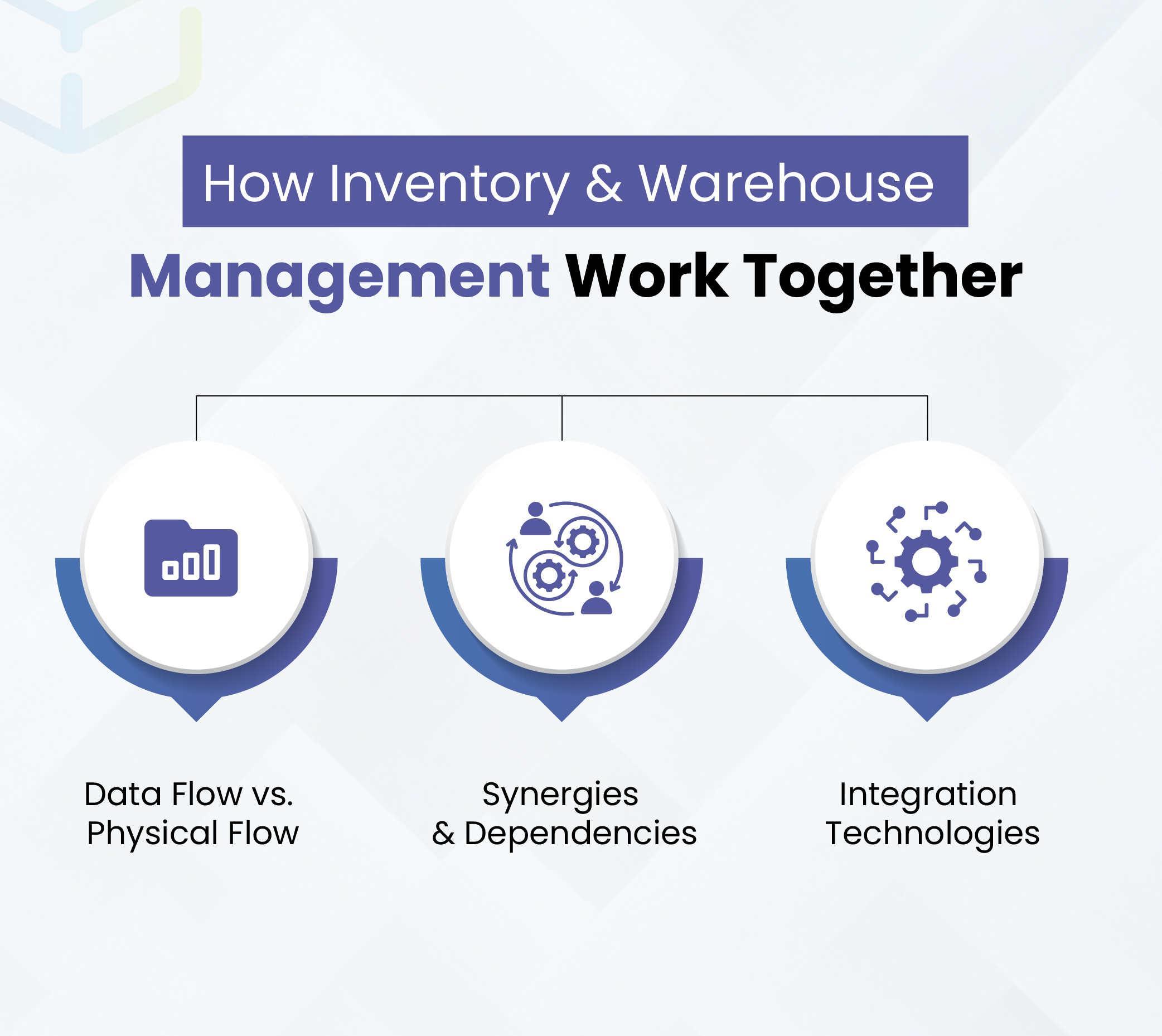
Data Flow vs. Physical Flow
Inventory management supplies forecasts, reorder points, and availability by site. Those rules guide slotting choices and replenishment timing. Inside the building, warehouse teams perform put away, picking, packing, and shipping. Every receipt, move, and shipment posts back in real time, so the inventory record stays true and planners see what can ship today.
Synergies & Dependencies
Clean, verified moves reduce count drift and cut investigation time. Accurate records then feed better analysis of velocity and turnover. That analysis shapes slotting, staffing plans, and pick methods. The more precise the floor work, the smarter the policy becomes. The smarter the policy, the easier the floor runs.
Integration Technologies
A robust stack includes ERP as the commercial backbone, IMS for network inventory, WMS for floor execution, and mobile barcoding/RFID for point-of-scan capture. Many teams achieve critical WMS capabilities with mobile inventory or WMS-lite before full automation.
When to Choose IMS, WMS, or Both
- Small businesses/startups. Start with IMS when the main issue is stock visibility and basic replenishment. Spreadsheets fail once volume or locations grow.
- Mid-sized operations. Add WMS when errors, long cycle counts, or travel time dominate. You’ll need bin-level control, optimized picking, and better labor use.
- Large enterprises / 3PLs. Run both IMS + WMS integrated with ERP for multi-site visibility, automation, and deep analytics. Mobile capture standardizes data at the source.
Cost, Scalability, & ROI
WMS can take more effort to implement, but it pays back where fulfillment speed and accuracy drive customer experience and labor cost. IMS often delivers quick wins by improving availability and planning while you ready the floor for deeper execution.
Inventory Management vs Warehouse Management Simplified
Inventory management sets the rules for what to stock and where across your network. Warehouse management makes those rules real on the floor. Treat them as partners. Start where the pain is highest, measure weekly, and scale the stack with ERP, IMS, WMS, and scanners that talk cleanly to each other.
If you need a practical, right-sized path to better flow and accuracy, WareGo can help implement the execution side without heavy complexity while preserving what already works upstream.
FAQs
Is inventory management part of warehouse management?
They overlap but are distinct. Inventory management controls stock levels and replenishment across the business. Warehouse management controls storage and movement inside the facility for fast, accurate fulfillment.
Can an ERP replace a WMS?
ERP inventory modules provide visibility, counts, and basic order processing. They rarely optimize bin-level execution, pick paths, or labor. Many teams add a WMS for floor execution and keep ERP for planning and finance.
Do I need both IMS and WMS?
If you operate one small site with simple orders, IMS in ERP may be enough. As volumes, SKUs, or compliance rise, WMS pays back through accuracy and labor savings. Integration with ERP and mobile scanning is the default path.
What should we measure first?
Start with five: fill rate and turns for inventory, dock-to-stock, pick accuracy, and order cycle time for the warehouse. Meet weekly, find the bottleneck step, fix the process, and lock gains into SOPs.