Would you like to master Amazon inventory management and stay ahead of FBA capacity limits? We will show you the Amazon warehouse management system that will prove to be a game-changer for your inventory performance.
As an Amazon seller, you will undoubtedly have a good idea of how crucial inventory management is for success at Amazon. Having sound inventory management skills means you can avoid the two most significant pain points that crush profits: overstocking (excess stock increases storage fees) and stockouts (running out of stock means lost sales). Robust warehouse management software is designed to minimize such problems.
Our friendly experts can provide a proven solution to achieve that.
Start My FREE Consultation!Intelligent inventory management is concerned with finding the sweet spot between too much and too little stock. The right tactics let you reorder the right stock at the right time in the right amount. You can thus have ideal stock levels with a good strategy in place.
We will cover all the best practices you need to know concerning Amazon inventory best practices. You will also see the best solutions (free and paid) to take your inventory management to the next level.
Table of Contents
Amazon Inventory Management – Why it Matters
Increasingly demanding customers won’t appreciate inventory management problems in the least. Their expectations are sky-high and growing.
Almost half of US customers expect ecommerce shipments to their doorstep in just one day. 90% customers expect a relatively short delivery time frame of no more than 2-3 days.
Fast fulfillment is so important to customers these days that they are willing to pay extra for quicker shipments. Stockouts are a big no-no, and late shipments can lead to strong dissatisfaction for most customers.
Running out of inventory and enduring stockouts result in lost sales and falling customer loyalty. Your customers won’t wait around if items go out of stock. They will go elsewhere for their needs – your rivals. Your organic ranking will take a hit for each day your SKUs remain out of stock. At the same time, your rival’s organic rankings will rise.
Overstocking inventory, on the other hand, creates equally serious problems. Precious funds get tied up in inventory, hindering cash flow. Storage fees also increase with high stock levels.
Several factors have a strong effect on inventory management. Vendor shipping times, delays at customs, sell-through rate, FBA fees, and storage capacity are just some factors you should consider.
Deciding how much of a new product to keep at hand can be hard since you don’t have any previous data to figure out the ideal purchase quantity and stock level. A big problem is that since you never sold the item previously, no positive reviews will be available as social proof for driving sales. Your competitors, though, will have a head start since they have positive reviews to encourage purchases.
You can close the gap with time and even overtake your rivals by understanding the demand and supply patterns for new items. A better understanding will build up over time, reducing the incidence of stockouts and overstocking.
Seeing is believing - check out our cutting-edge platform live in action.
Start My FREE Demo!Key Inventory Problems at Amazon
If you are facing inventory problems, then you are not alone. Just about all Amazon customers experience these inventory issues. Just be sure a good plan is in place for taking care of these issues before they turn into big problems.
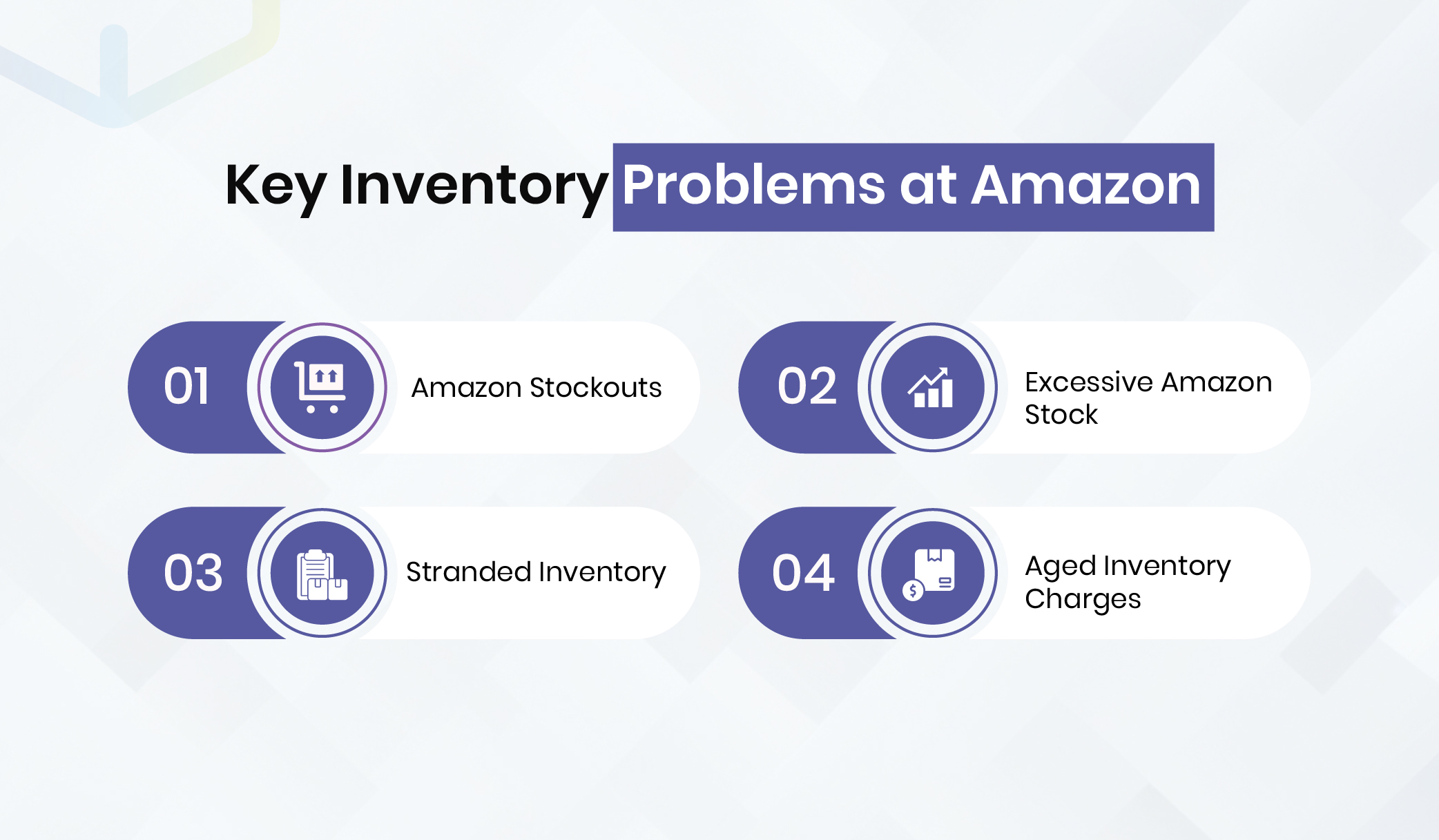
1. Amazon Stockouts
Frequent stockouts will prevent you from meeting customer demand. You end up losing both sales and customers. Product listing rank also suffers.
The key is preventing stockouts from ever happening. Going out of stock means you will no longer be the Best Seller.
An obvious solution is ordering enough inventory. Doing so is easier said than done, however. At times, your inventory may run low since certain problems can arise, such as vendors not delivering stock on time.
Here’s what works when you can’t increase stock levels fast enough and keep up with customer demand.
Slow down demand. You can pause your marketing, promotions, and ads so that demand goes down momentarily. Although you will not acquire new customers, you will retain previous customers. Doing so should not create serious problems.
Raising prices temporarily can also slow down demand, but this is just a last resort. Whatever you do, make sure stockouts don’t ever happen. Even a single stockout can seriously damage organic keyword and Best Seller rankings.
Amazon loves promoting brands with an excellent record of high product availability. If you do get penalized for product availability problems, regaining your lost ranking can be an uphill task.
Enterprise Inventory software functions like real-time tracking, instant inventory updates, and automatic stock reordering, which will make stockouts a thing of the past.
Say goodbye to stockouts with real-time tracking, automatic updates, and more comprehensive features.
Book a FREE Consultation!2. Excessive Amazon Stock
Whatever items remain unsold for more than 90 days are considered excess inventory by Amazon. Stock levels that can fulfill demand for more than 90 days are also regarded as high. Bear in mind that Amazon is a fulfillment center and is not meant to be a storage facility. The platform requires all items to be removed within 90 days. The quicker you can dispose of your products, the better this is for Amazon.
Excess stock negatively impacts the IPI (inventory performance index). The importance of this key metric has been explained above. Excess stock levels will bring down your IPI and shrink your available storage limit. You will have to pay a higher monthly storage fee. Storage fees can add up pretty fast and even exceed unsold stock value.
You can navigate to your FBA capacity manager (as described previously) for understanding inventory performance and bringing down excess inventory.
Even with Fulfillment by Merchant (FBM), you may still experience problems with slow-moving stock items. Third-party fulfillment centers will also charge storage fees for high inventory levels.
Accurate AI forecasts are your answer to excess inventory.
Let’s Talk!3. Stranded Inventory
Many Amazon sellers have no idea how to resolve stranded inventory, even though it is common. Inventory becomes stranded when it is stored within an Amazon warehouse but not mentioned in the Amazon product listing. Although stranded inventory can be sold, your customers can’t buy it.
Stranded inventory still incurs Amazon storage costs even though you can’t sell it.
You can resolve the stranded inventory problem by using the tool inside “Fix Stranded Inventory” on your Amazon Seller account. Take care to keep checking this section from time to time, since Amazon does not provide stranded inventory alerts.
4. Aged Inventory Charges
Long-term storage fees are another problem to be wary of since such costs can become substantial if you are not careful.
Excess inventory can create another problem: aged inventory. Depending on the age and volume of your old inventory, you can end up paying a hefty amount each month.
Amazon takes note of how old your inventory is around the 18th day of each month. The age of each item is counted from the day it arrives at the Amazon warehouse.
All items that are over 271 days old incur the aged inventory surcharge. Think of it as a penalty. Additional charges apply to inventory items older than 365 days.
Items stored in Amazon for between 271 and 365 days incur $1.5 fee for each cubic foot they occupy. Units older than 365 days incur a sky-high cost of $6.9 for each cubic foot or $0.15 per item, whichever is more.
Do check out the Amazon aged inventory surcharge page for more information.
The latest FBA Inventory Tool provides commands, recommendations, and granular metrics for stranded, unfulfillable, aged, and excess inventory. A wide range of tools is available in a simple console for managing all kinds of inventory issues.
Best Tips for Managing Inventory at Amazon
The right inventory management skills allow your business to survive and thrive even with growing competition. Here are pro-tips and best practices to keep you ahead of the curve.
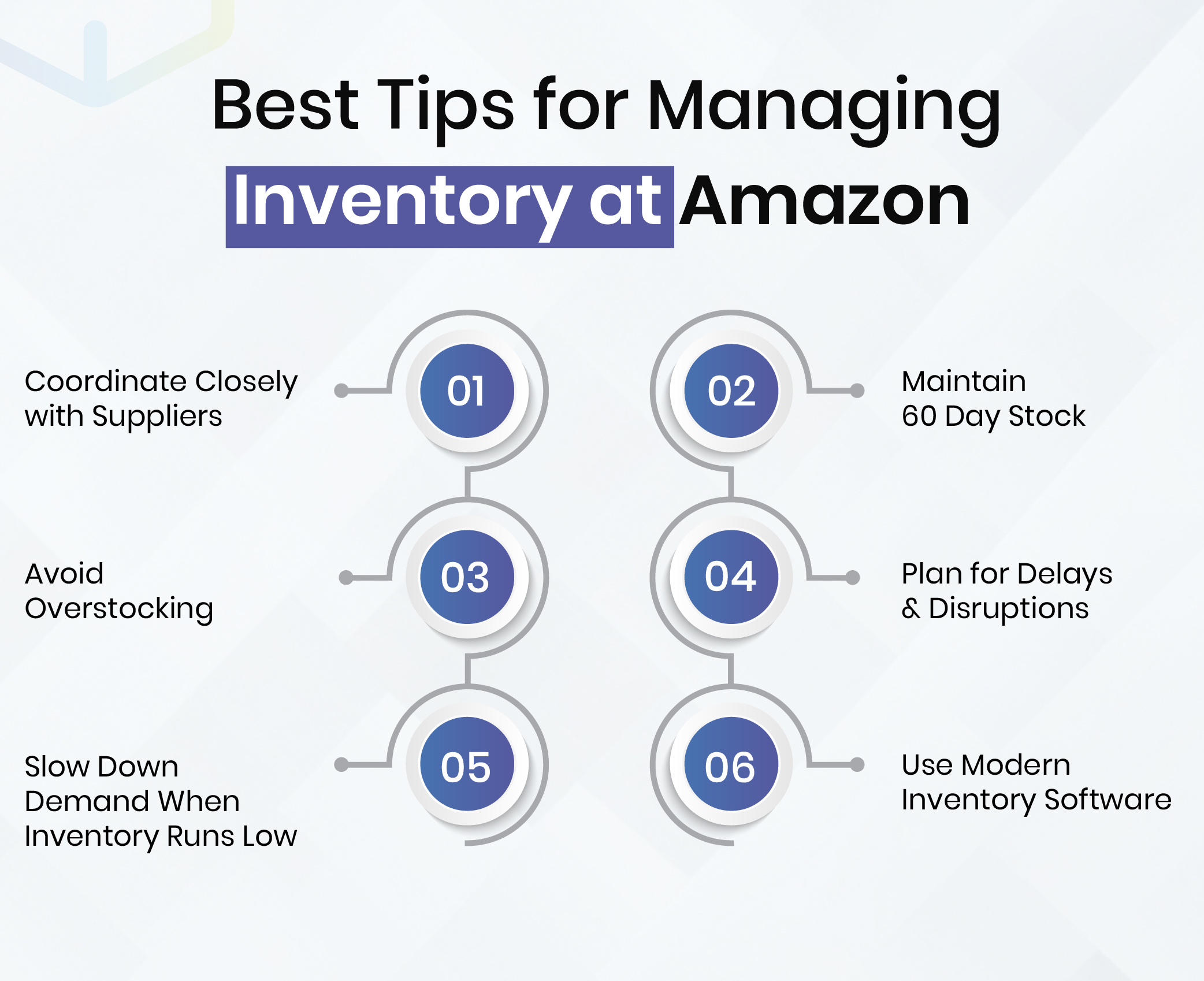
1. Coordinate Closely with Suppliers
Since suppliers are the core of your fulfillment workflow, it pays to coordinate with them at a deeper level. Suppliers play a critical role in preventing stockouts by delivering on time.
By maintaining good relations with your suppliers, you can gain priority over other customers. Suppliers may give you preference as a result and deliver on time, so you can avoid stockouts.
Explore all ways you can prove to be more valuable to your suppliers as customers, and do all you can to simplify their workflow.
Remember that the best brands give due regard to supplier relations. It is not uncommon to find top brands holding conferences and seminars with their supply chain partners to forge stronger relations. Leading brands, in fact, have senior managers in charge of supplier relations who often make trips to supply chain partners all over the world.
Strong communication and professionalism towards suppliers are at the heart of robust supply chain management. By treating your suppliers with greater importance, you can win them over and encourage them to return the favor with exceptional supply chain service.
On a practical note, you should hold talks with suppliers to find ways to improve lead times. Understand the time required to manufacture and ship items for all suppliers.
WareGo provides 3PL tools for you to collaborate more closely in real-time with your suppliers.
Find out with a 100% FREE trial.
Grab Your FREE Trial!2. Maintain 60 Day Stock
Maintain enough stock to last around 60 days. Although the optimal stock level depends strongly on demand and each product’s lead time, this is a good enough baseline to follow.
60-day stock provides enough to prevent stockouts and excess inventory.
You can check out inventory reports on your Amazon account to forecast individual product demand.
The sell-through rate is a key metric that compares your stock levels to sales. You can calculate the sell-through rate for a product by dividing the product’s sales volume over a time frame of, say, 90 days, by the average stock level for the item over the same time period.
The FBA Inventory Tool gives you the sell-through rate for all products in your FBA inventory.
Higher sell-through rates are better for product sales performance. For example, a sell-through rate of 5 means that you sold 5 times as many units as your average stock level.
A low sell-through rate implies overstocking. You should think about either ordering less of the item or improving sales and marketing tactics for the said item, whichever is appropriate.
WareGo provides reporting and analytics tools that show KPIs for all inventory items so you can assess individual product performance. AI-powered forecasts let you safely order the optimal product quantity that fulfills customer demand without overstocking.
Our price plans provide the most affordable rates.
Check price plans!3. Avoid Overstocking
Overstocking is a common problem that happens even to the best brands. Using a sound strategy to address overstocking is vital for staying competitive on Amazon. Here is how your business can prevent excess stock levels.
Promotions
You may run promotions via deals (like buy one, get one free), coupon codes, or good old-fashioned discounts. Offering enticing deals to your customers is a proven way to clear slow-moving goods. While steep discounts and generous offers can reduce profit margins and incur losses, this is often better than the high costs of long-term storage at Amazon. Clearing items quickly to avoid storage costs may save you more than letting units remain in storage for a long time.
Higher Keyword Bids
Running ads on Amazon is a good way of attracting buyers. Bidding higher amounts for your ads can allow your products to be seen by more customers. A good way of getting rid of aging inventory is by bidding higher on the right keywords.
Removal Orders
When inventory is aging and headed towards the aged inventory surcharge, you can think of removing inventory elsewhere to avoid this exorbitantly high cost. Create a removal order so that aging inventory can move out. Remember, Amazon often runs promotions to remove inventory without cost. You can take advantage of Amazon’s free offers where necessary.
Inventory Donation
A last-ditch attempt to dispose of aging inventory is by donating said inventory. Think about giving your stale inventory to a charity or nonprofit organization that will gladly accept it. While losses can be high for such a move, it is often a better choice than paying the astronomical fees of aged inventory on Amazon. On the flipside, you can deduct such donations on your tax returns to gain tax benefits and thus reduce your losses.
4. Plan for Delays and Disruptions
Disruptions often happen where you least expect them. Delays in fulfillment can take many shapes and forms, like FBA warehouse, customs, shipping, and supplier delays.
The COVID outbreak was, unfortunately, a powerful reminder of how disasters can strike without warning. Ecommerce was severely hit, and there were delays at all steps, including manufacturing, goods receiving, order fulfillment, and order shipments. Supply chain strategy should take such disruptions into account.
A good idea is to keep safety stock at the right level to mitigate the effects of delays and disruptions. If you have a warehouse of your own, try storing extra units just in case. You can even rely on a trusted third-party storage facility or fulfillment center. Another option would be to fulfill orders through FBM.
Taking this step is viable only if you have enough working capital and storage space. Avoid doing this if you are short on either working capital or storage space.
5. Slow Down Demand When Inventory Runs Low
As mentioned previously, one way of slowing down demand when inventory runs low is by pausing ads, marketing, and sales promotions. Raising prices temporarily may also be a good fix if you are headed towards a stockout. Your in-stock rate will stay high and boost your IPI score.
Slowing down sales is a much better option than going out of stock. After replenishing stock to safe levels, you may restart all ads, marketing, and sales promos while bringing your prices back down to normal.
6. Use Modern Inventory Software
Advanced inventory software is something that no serious business can do without these days. Especially in this day and age of ever-increasing competition, using the right inventory system has now become paramount and vital for survival.
You will go far ahead of rivals who don’t use one. Even to this day, many rely on spreadsheets, which were never designed for real-time inventory tracking, controlling large numbers of SKUs, and automating inventory processes.
WareGo offers a range of exciting inventory control features that are an absolute must-have if you want to sell well on Amazon and boost your profit margins.
Here is just a small sample of what to expect with our enterprise-grade inventory system.
- Real-time tracking provides complete visibility over all SKUs to prevent stockouts and delays.
- The advanced system syncs your Amazon inventory data with popular ecommerce platforms and marketplaces (like eBay, WooCommerce, Shopify, and more) to avoid inventory discrepancies that lead to overselling and lost sales.
- 200+ integrations link your Amazon inventory with backend business systems like accounts software, ERPs, CRMs, shipping carriers, and more. Eliminates manual data entry, cutting human errors and delays.
- RIFD/barcode scanning and POS terminal support allow automatic stock updates to keep your Amazon inventory data (and inventory on other sales channels) accurate, current, and complete.
- Automated billing and payments save you time so you can focus on your core business.
- Automatic stock ordering and alerts prevent stockouts.
- Smart AI forecasts enable optimal stock levels to prevent high inventory costs.
- Instant reports and granular analytics provide valuable insights for growing your Amazon sales.
Not just that, you can also benefit significantly from the most competitive rates on offer. WareGo is pleased to provide the most affordable price plans you can come across for enterprise-level software.
Find out how WareGo’s cutting-edge features optimize your inventory.
Chat With Us!FAQs
What inventory management software does Amazon use?
Amazon uses proprietary software developed in-house, along with a mix of other technologies such as AWS IoT and Amazon Web Services.
How does Amazon do its smart inventory management?
Amazon uses a variety of technologies, best practices, and management techniques to manage its vast inventory. AI and machine learning take care of demand forecasting. The ecommerce giant has deployed numerous fulfillment centers in the USA and all over the world for fast fulfillment and shipment to customers. Inventory movement is tracked via IoT wearables.
Does Amazon use LIFO or FIFO?
Although Amazon employs FIFO for its accounting function, actual inventory management is not carried out using the said method. The only concern that Amazon has is shipping orders fast to its customers. Amazon ships inventory often from the warehouse that is closest to customers to maximize cost and time savings. The newest inventory may not be shipped first.
What are the four types of inventory management systems?
The four types of inventory management systems are:
Perpetual Inventory: Real-time tracking is at the core of perpetual inventory. Advanced inventory software like WareGo gives you real-time visibility over all inventory movement. All transactions automatically update inventory without the need for manual data entry. Inventory information is updated automatically and is always accurate, allowing you to make the right management decisions.
Periodic Inventory: Older inventory methods like legacy systems and spreadsheets are examples of periodic inventory. Real-time inventory tracking is not possible here. Spreadsheets might work for the simplest inventory, but they can’t scale effectively, nor can they update inventory automatically. Spreadsheets, despite their widespread use, are inherently unsuitable for growing inventory volumes. Manual data entry, delays, and errors are common problems.
Just-in-Time Inventory: Minimizing inventory levels keeps costs down. Just-in-time inventory tries to achieve this advantage by ordering the right amount of inventory at the right time, as the name suggests. Manufacturing and supply chain firms make extensive use of just-in-time inventory to drive efficiency, simplify management, and reduce inventory costs.
Materials Requirement Planning: Forecasts provide production targets under the materials requirement planning strategy. The right amount of raw materials and components is ordered to achieve manufacturing targets set by forecasts. Accurate forecasts prevent over- and understocking, which commonly drive up inventory costs besides creating disruptions.